Restaurant Printer Optimization
Optimize restaurant workflow by connecting restaurant printers to your workstation terminal
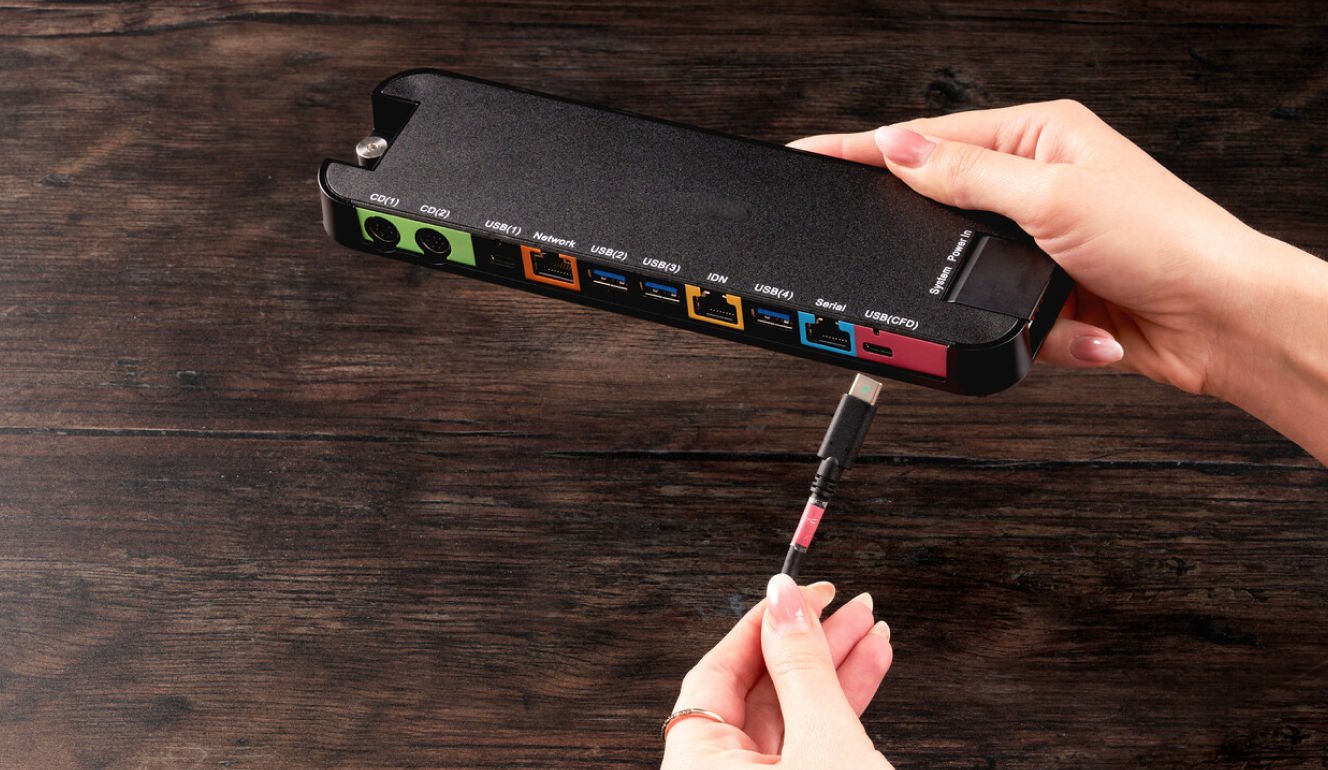
Color-Coordinated Setup
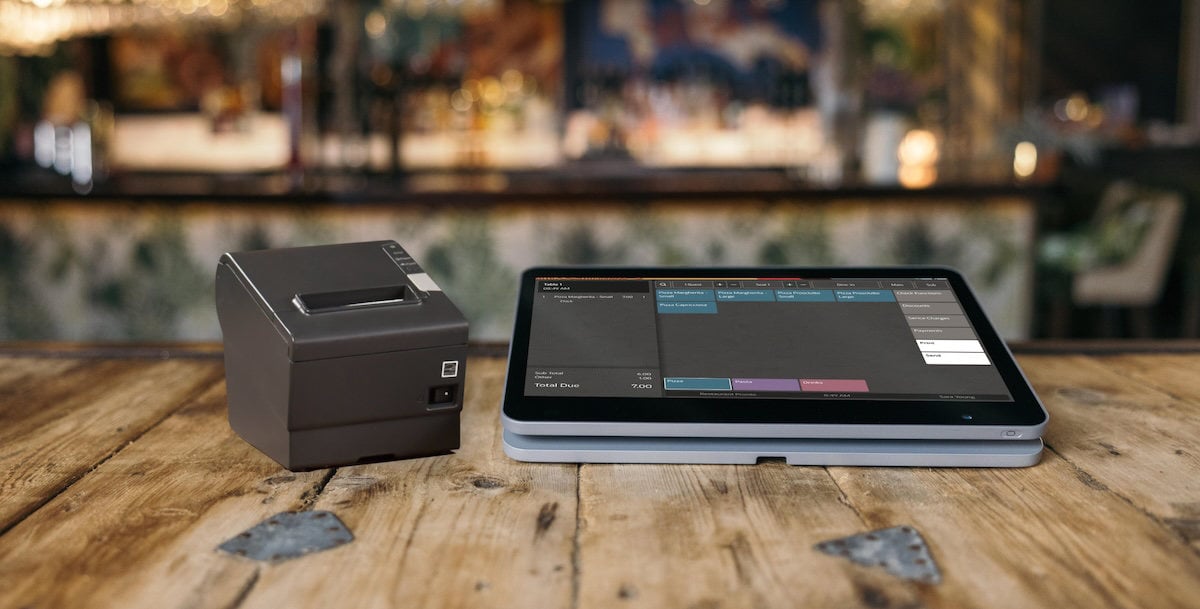
Plug and play restaurant printers to your POS system
Make sure everything’s running as smooth as red velvet
Add as many restaurant printers as you need to facilitate your front and back-of-house operations:
Print client receipts quickly to eliminate long queues and cut down on waiting times.
Send orders to the restaurant kitchen printer for your back-of-house operation optimization
Reduce human error for a better client experience.
The Best POS Printers
Types of POS printers
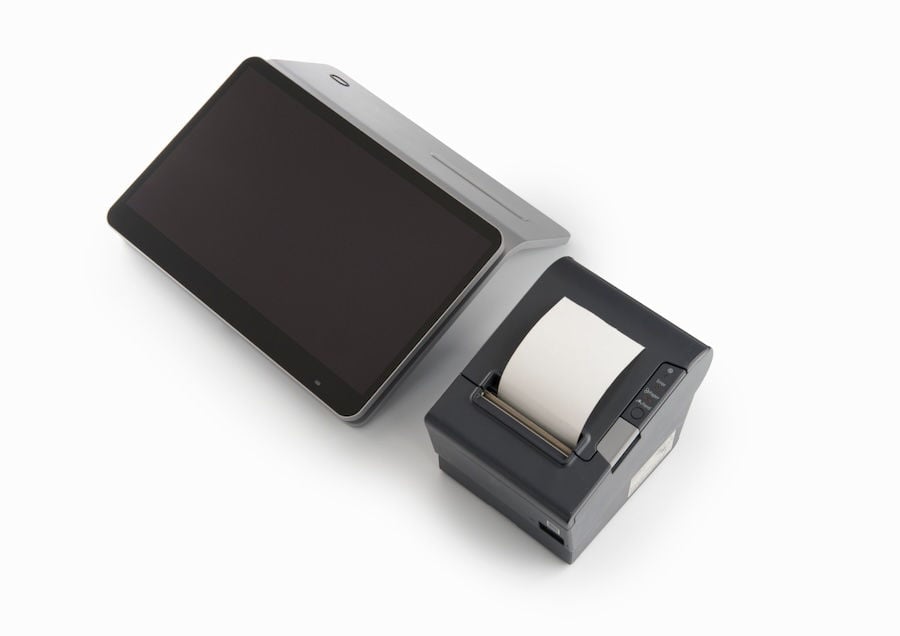
Print client receipts for Front-of-House
This thermal restaurant printer is one of the most reliable in its class. Designed to run unaffected by connection troubles and sustain fast printing speeds of up to 350mm/s.
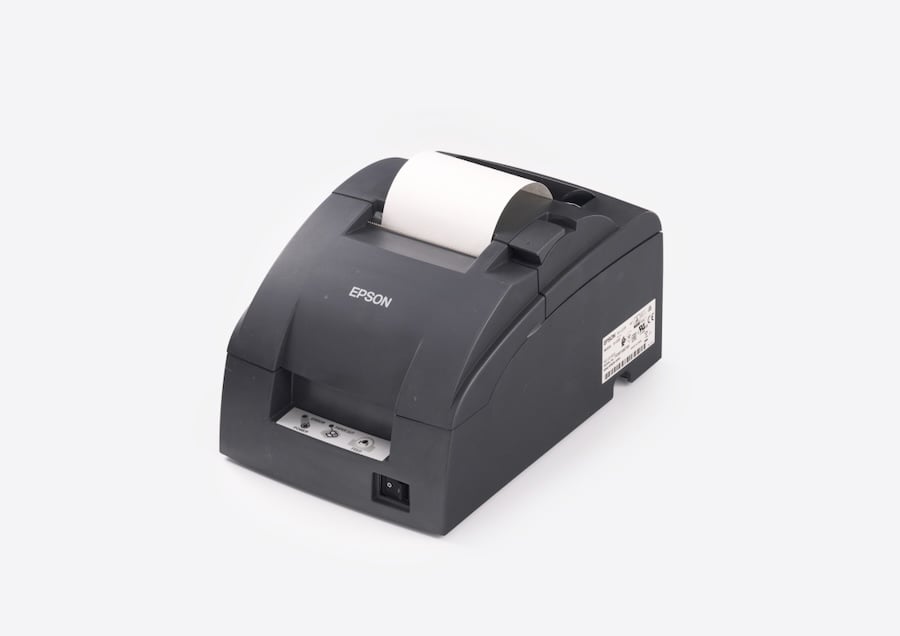
Print kitchen receipts for Back-of-House
A lightweight, highly reliable and sturdy kitchen receipt printer that can easily withstand humidity and high temperatures, in a fast-paced environment. This dot printer is one of the best on the market.
Client Receipts
Customizable client receipts
Add your own branding to the customer receipts
Keep track of important customer requests on the receipt by ensuring your cooks stay in the loop on customizations and additional requirements.
Convert new customers to return customers: include food promos at the bottom of the receipt to encourage re-ordering
Printer Selection
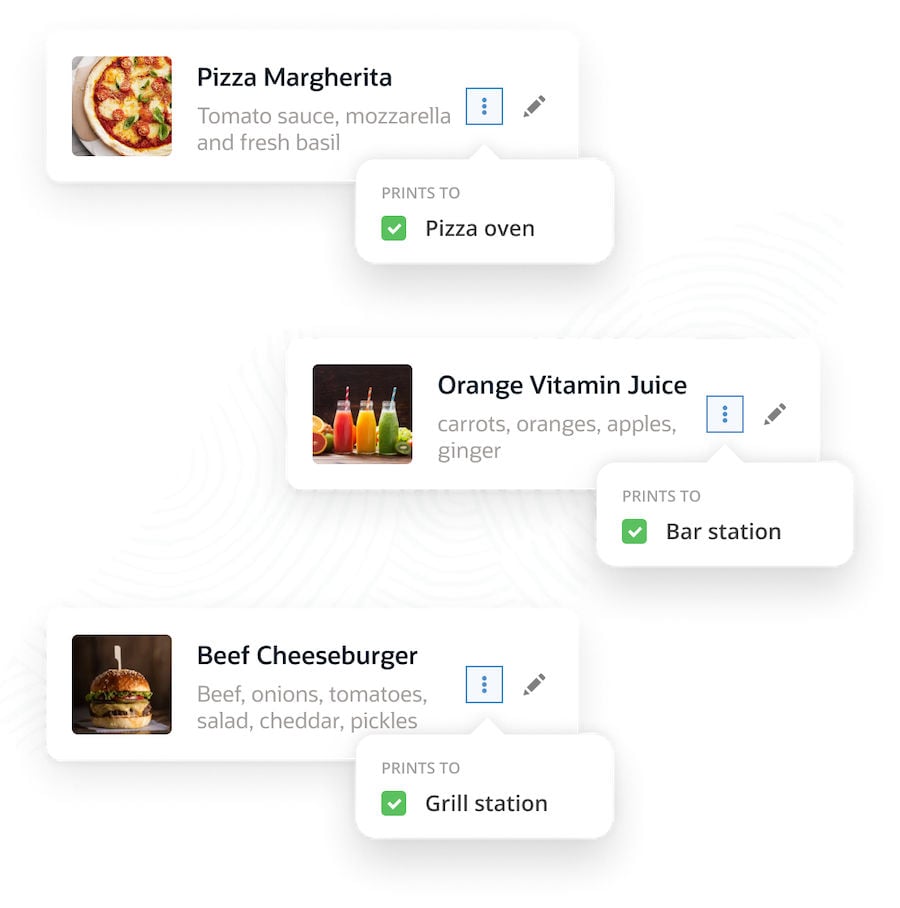
Assign different restaurant printers to various kitchen destinations
Running a small restaurant or operating a larger kitchen with multiple stations for pizza, grill, salads, and more?
Add a printer for each kitchen station to increase productivity and streamline the operations.
Assign specific printers to different menu categories based on your kitchen destinations, where cooks prepare the food.