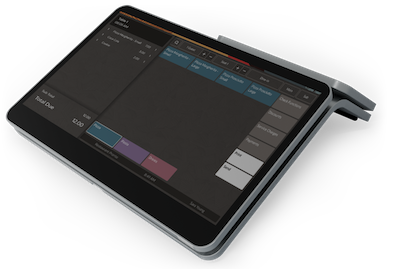
Restaurant Staff Management Software
Restaurant employee management made simple

Employee essentials
Simplify operations with easy-to-use restaurant staff management software
Oversee and manage restaurant employees with great ease from a dedicated dashboard.
Add, remove, or update employee information with ease with integrated restaurant staff management options.
Changes are made instantly and without hassle.
How it Works
Managing Restaurant Staff
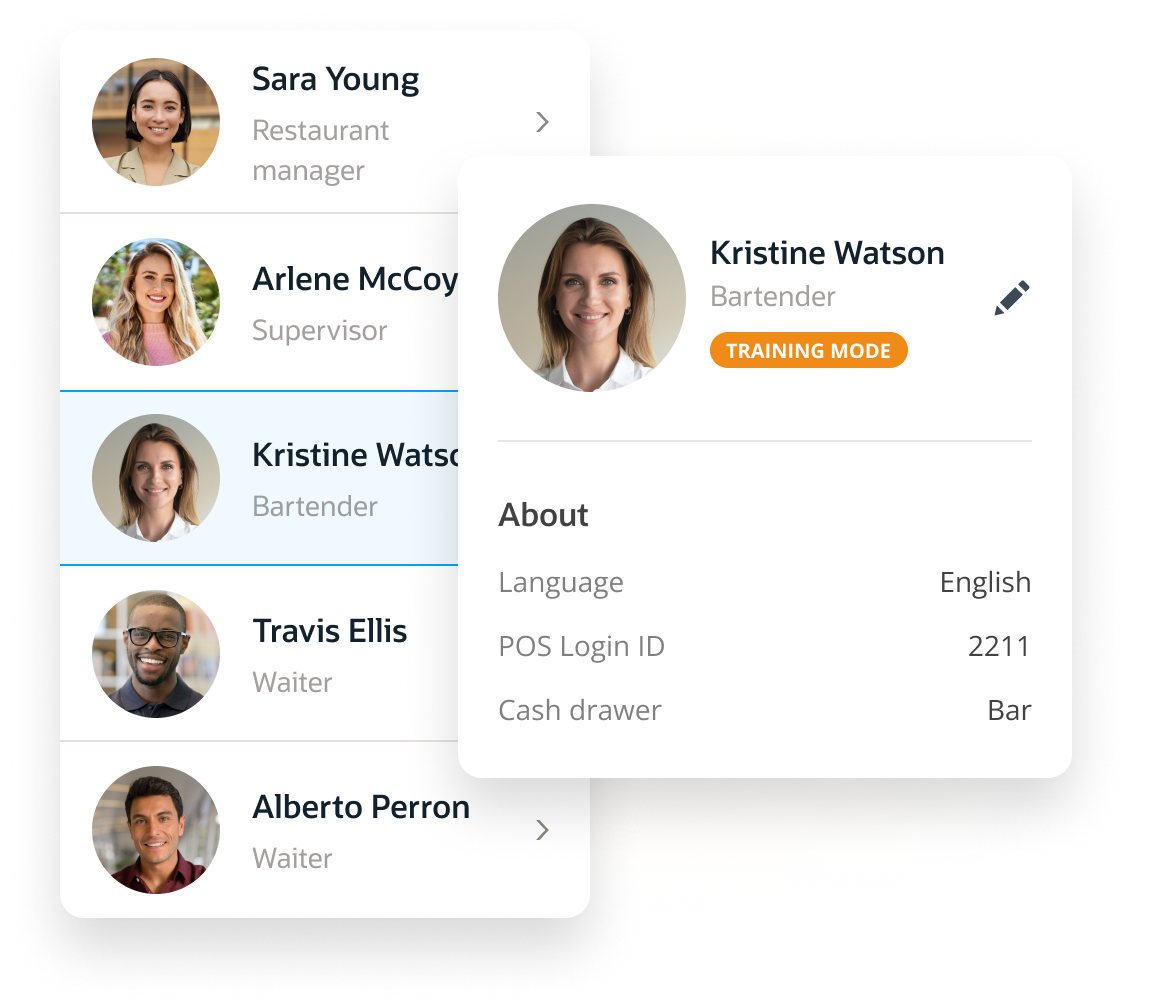
Add new staff members
Input the staff members name and select a role from the dropdown list
Choose employee privileges
Control what employees gets access to the cash drawer.
Update employee roles
Changing employee permissions is as simple as clicking a button.
Terminate employees
Remove their privileges by deleting their profile quickly.
Training Mode
New employees joining the team?
Use the “training mode” during onboarding
Enable new staff to discover all the stages of receiving online orders and placing POS orders without impacting your financial reporting.
Once the staff member has experience with operating the restaurant POS system and completes orientation, simply remove the “Training mode” label with a single click. This will grant the new employee access to all POS operations in their assigned role.
Transparent Employee Activities
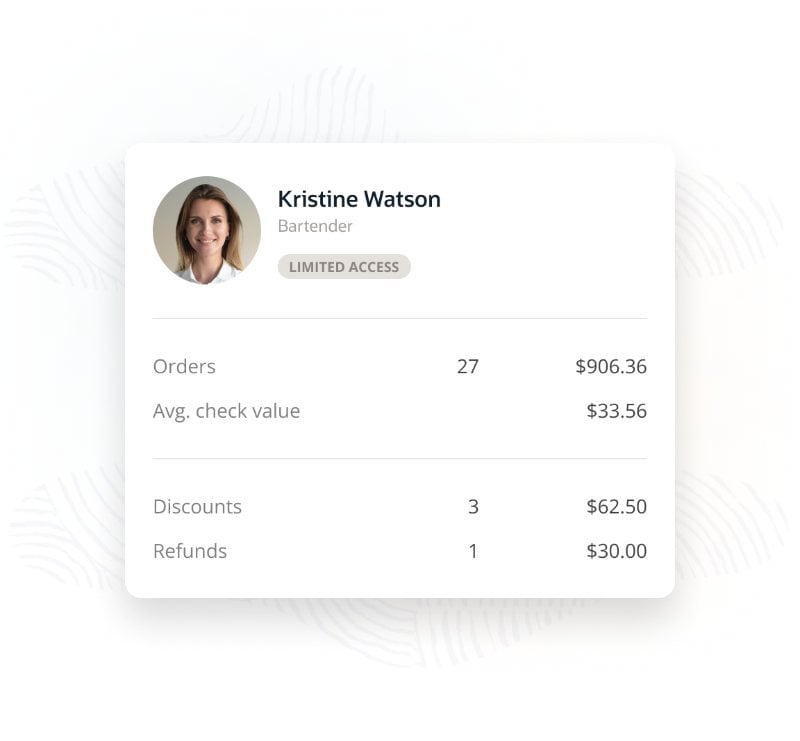
Monitor employee activities: cash drawer access, orders, payments to refunds
Track all of your employees’ financial transactions.
Thanks to the unique POS ID assigned to each employee and featured on all transactions, you can get a clear overview of your employees’ transaction logs.
Employee Access
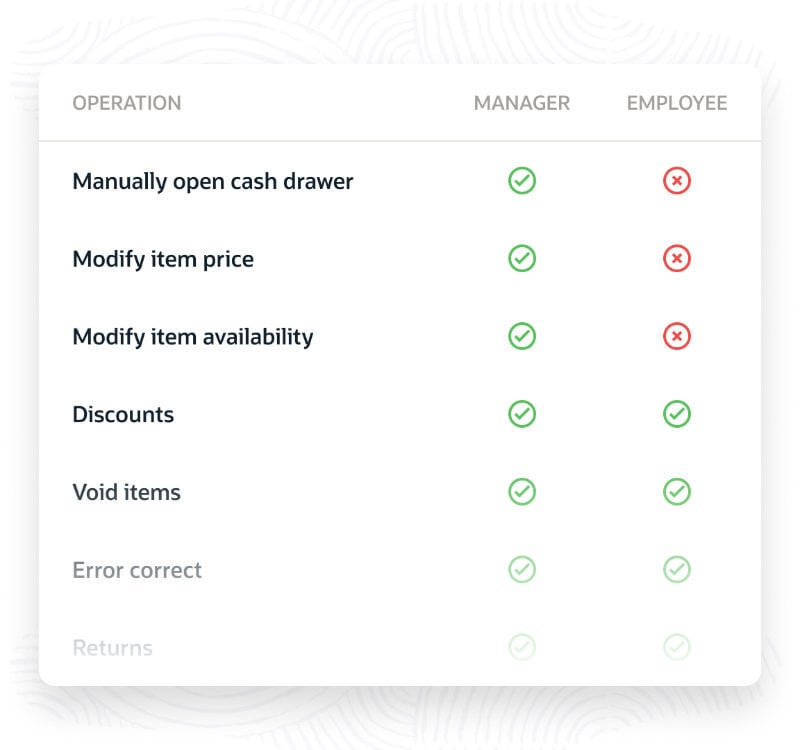
Assign different roles and responsibilities
Easily differentiate between your employees’ access to various POS operations.
Grant manager-only access to financial operations, like manually opening the cash drawer to specific employees, or enable all employees to void menu items, you can selectively allow for different roles and responsibilities.
Reduce Waiting Times
Instant POS login
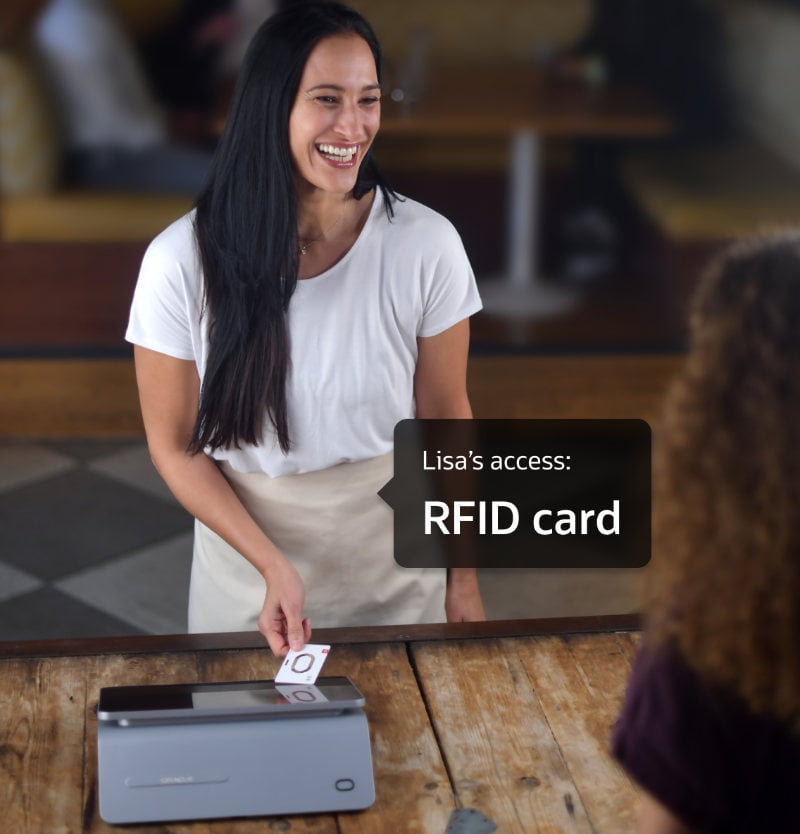
Our RFID key card login system allows for instant POS login.
All your employees need to do is tap the RFID cards against the POS to gain instant access. The increased speed and secure access can dramatically speed up the guest experience.