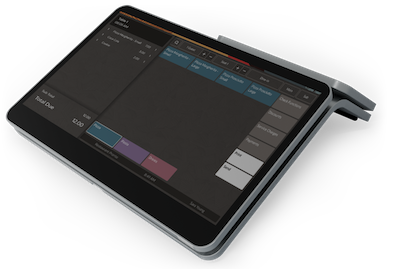
Restaurant POS Hardware
The top choice restaurant point of sale hardware and software for small & medium restaurants
Superior Look and Feel
Elegant POS. Premium design.
All the POS system hardware components you need in one place.
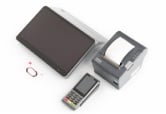
Free Starter Kit
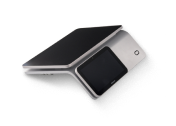
Terminals
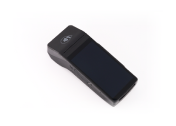
Payment Devices
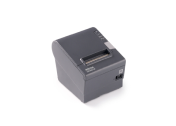
Printers
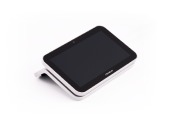
Customer Displays
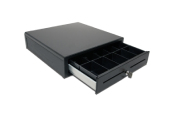
Accessories
Free POS Starter Kit
Run your restaurant successfully with a complete POS solution
With every subscription, you get our FREE POS starter kit that will meet your every need:
- Premium POS workstation with low profile support
- Ultra-secure countertop payment device
- Front-of-house receipt printer
- Employee RFID Cards for instant POS login
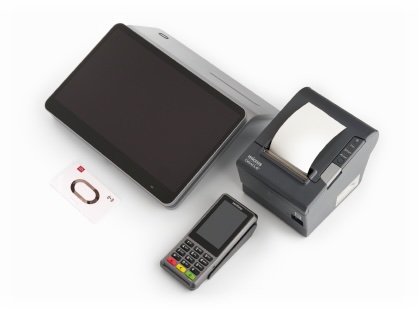
LIMITED TIME OFFER
Restaurant POS Terminals
The elegant POS solution that blends perfectly in the decor
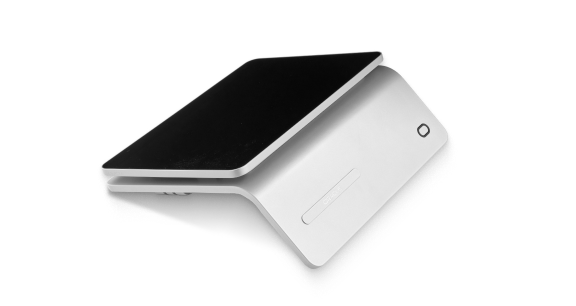
POS Workstation
Embrace a reliable, and elegant POS terminal with a warm platinum finish. With a 14-inch anti-glare touchscreen display, this Food Order Pro Oracle POS solution will help you simplify all restaurant operations. All whilst protecting your eyesight.
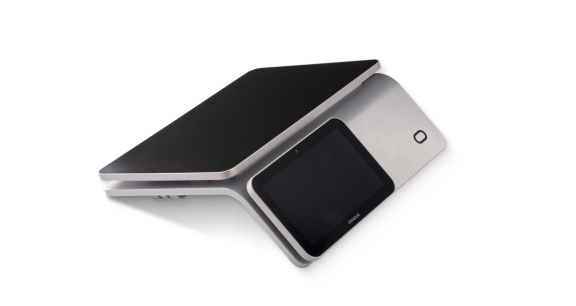
POS Workstation with Customer Display
This upgraded point-of-sale option features a customer-facing display facilitating transparent transactions. Thus, it plays a pivotal role in building trust between your clients & your restaurant brand
Payment Terminals
Elevate the customer experience with fast-processing, fully PCI-compliant restaurant payment options
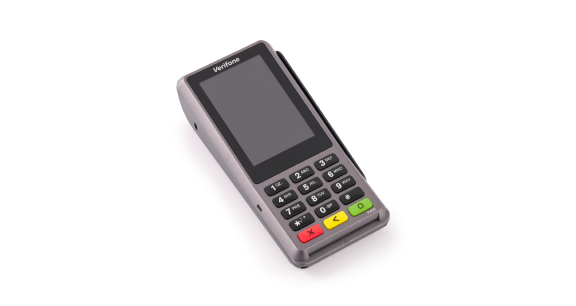
Payment Device
Provide your customers with a wide range of payments, from cards to smartwatches. Customize tipping options or refund checks when necessary. With a privacy shield, and ethernet dongle, the Verifone P400 is a highly reliable payment device that every restaurateur should benefit from.
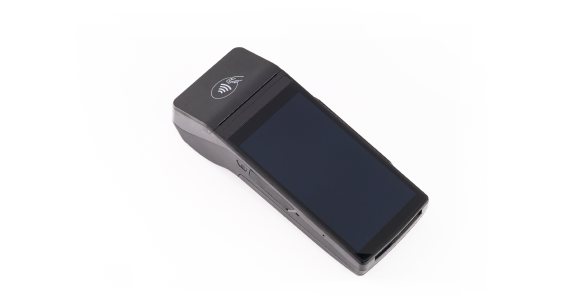
Mobile Order and Pay Device
Take it one step further in providing excellence to your customers with the Castles S1F2 terminal, doubling as a restaurant POS & payment terminal. Flip this handheld payment device to the side to accept payments. Automatically send orders to kitchen & more.
Restaurant Printers
Optimize the flow of information with high-performance printers
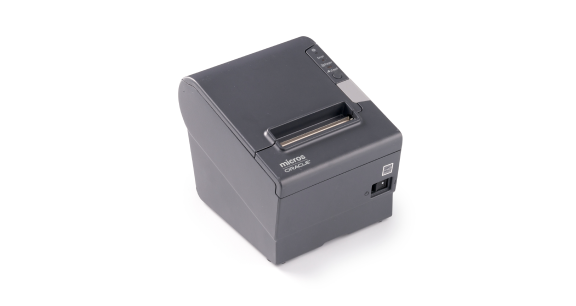
Receipt Printer
Vital in demanding environments, the Epson TM-t88vi offers fast printing speeds & reliable connectivity enhanced for excellent customer service. In addition, it features low power consumption & advanced paper saving capabilities.
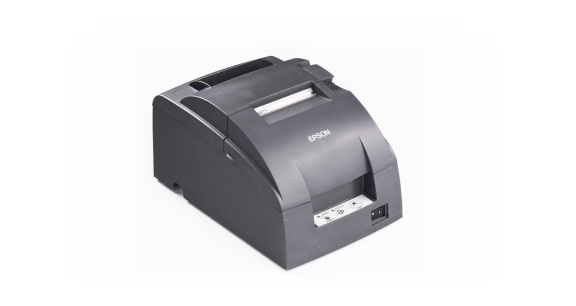
Kitchen Printer
The plug-and-play TM-U220 impact receipt & kitchen/bar printer from Epson is optimized for high-speed throughput & crisp printing. It can print right-side-up, or provide two-color printing for exceptions.
POS Customer Displays
Generate repeat business, by building a trust-based relationship with your customers
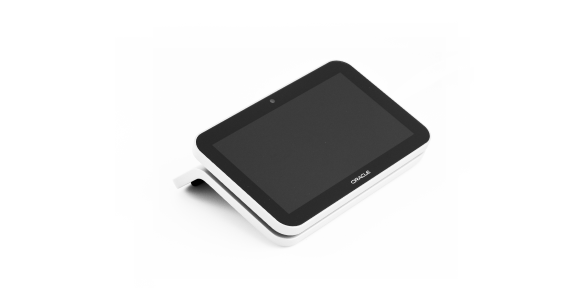
Freestanding Customer Display
Show customers ordering details in real time at the POS with this customer display mounted on a freestanding base. Instantly connect it with your POS workstation within seconds thanks to its’ 7-inch color-color USB-C cable.
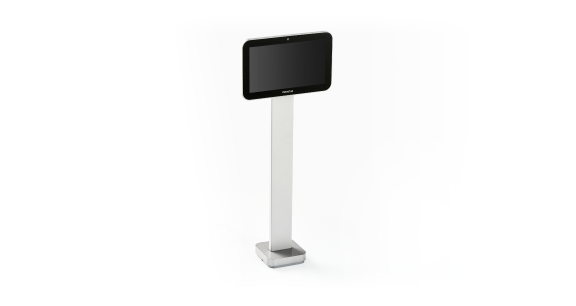
Customer Display with Pole Stand
Give your clients a breakdown of their orders with this more prominent customer display option. It comes with a color-coordinated 7-inch USB-C, streamlining an almost instant connection with your workstation terminal.
Accessories
Indispensable restaurant tools that optimize your POS order-placing process
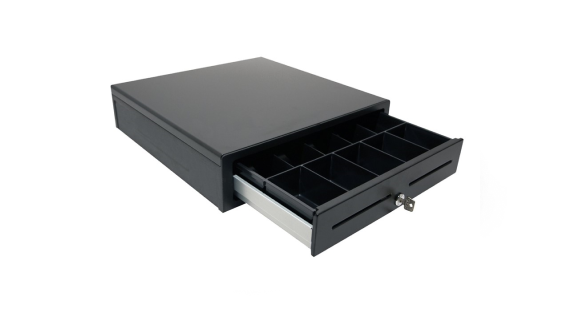
Cash Drawer
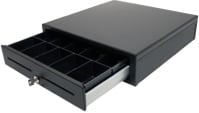
Specifically designed for low cash-transaction restaurants, the APG Minota 1616 cash drawer is practical & easy-to use. Built to withstand the test of time, enabling you to maximize efficiency during checkout.
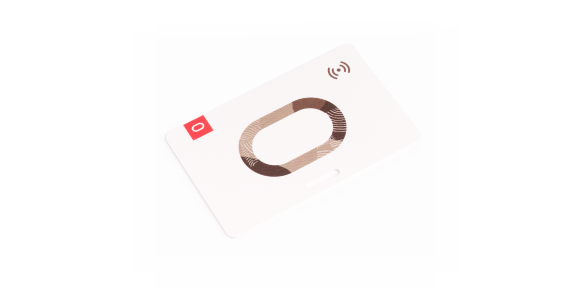
5 Employee RFID Cards
Cut down customer waiting times and enable your restaurant employees to work the register faster. For instant POS login, all employees need to do is tap their RFID key cards against the bottom left side of the POS terminal. Almost instant access.
Additional peripherals
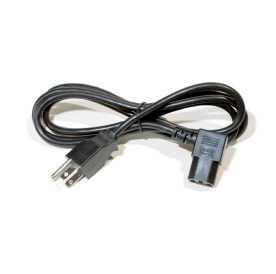
Receipt Printer Power Cord
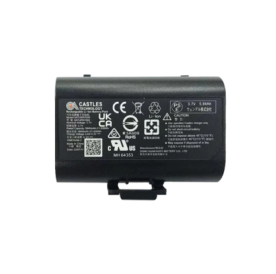
Replacement Battery for Mobile Device with Payments
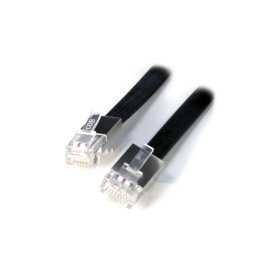
IDN Cable for Thermal Printer
Power Cord for Printers
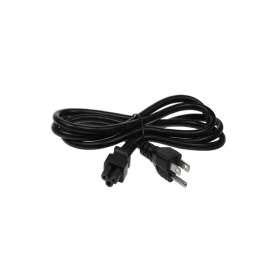
Power Cord for Workstation
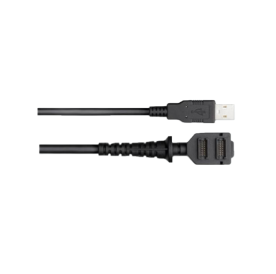
USB-A Cable for Verifone P400 Plus
Effortless Setup
Take POS payments out-of-box
Regardless of the payment device you choose, there are only a few steps to follow from unboxing to full setup.
Follow the wizard as it guides you through the process of adding a new device, connecting it to your POS workstation, and checking for updates.