Analytics for Restaurants
Improve your strategy and create growth with our restaurant POS data

Financial Reporting
Your restaurant revenue with the daily Property Financial report
How is your restaurant performing today, over the week, or over 4 weeks?
How do you do a financial analysis for your restaurant on any given day?
With the in-store-analytics-for-restaurants report get a quick overview of what is working and what isn’t. At the click of a button, you have access to an overview of:
- Net sales
- Offered discounts
- Order types
- Cash payments, and much much more
Data Consistency
Reconcile transactions with the help of the
Employee Financial report
Understand your restaurant’s financial data, one employee at a time
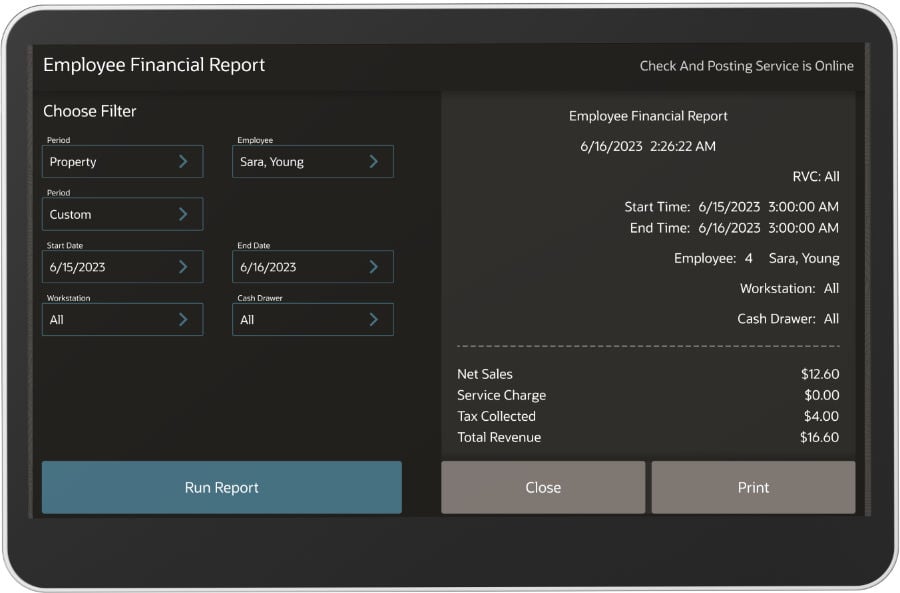
Make sure that your restaurant’s bank statements accurately reflect your servers’ financial data.
Use this report to reconcile the server’s bank and to even track individual performance.
Get info on ordered menu items, opened checks, discounts, service charges, and applied tenders.
Accurate Daily Reporting
Balance your daily sales data using the Employee
Open Check report
Settle your unpaid open checks by the end of the work day
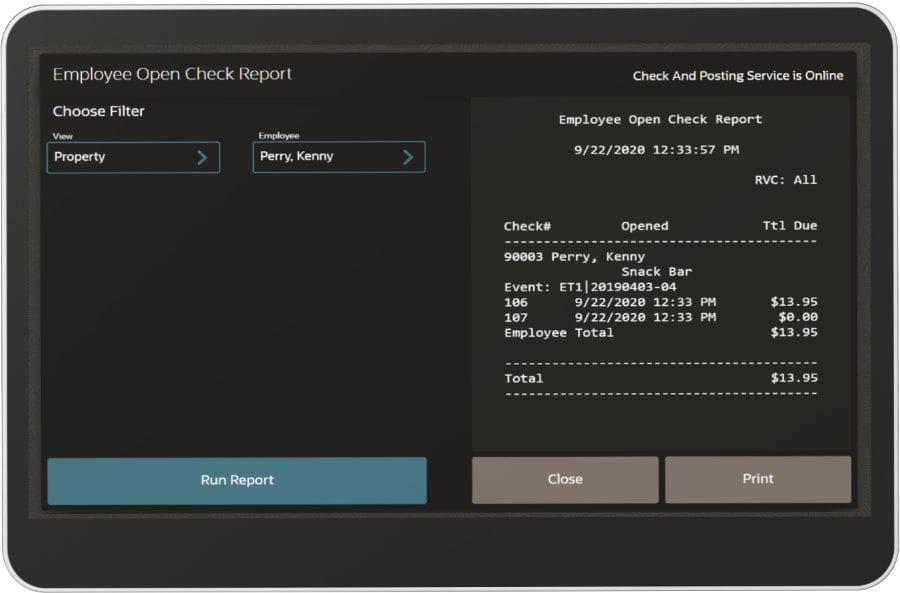
Carrying over open checks from one day to the next can feed your reports with inaccurate daily sales data.
This important reporting tool points out to all open checks that must be paid-in-full and closed prior to resetting the financial reports.
As a result, each day you’ll benefit from a properly balanced and accurate sales report.
Spot Fraud
Stop fraudulent activity with the Check Journal
report
An important reporting tool in matters of financial security
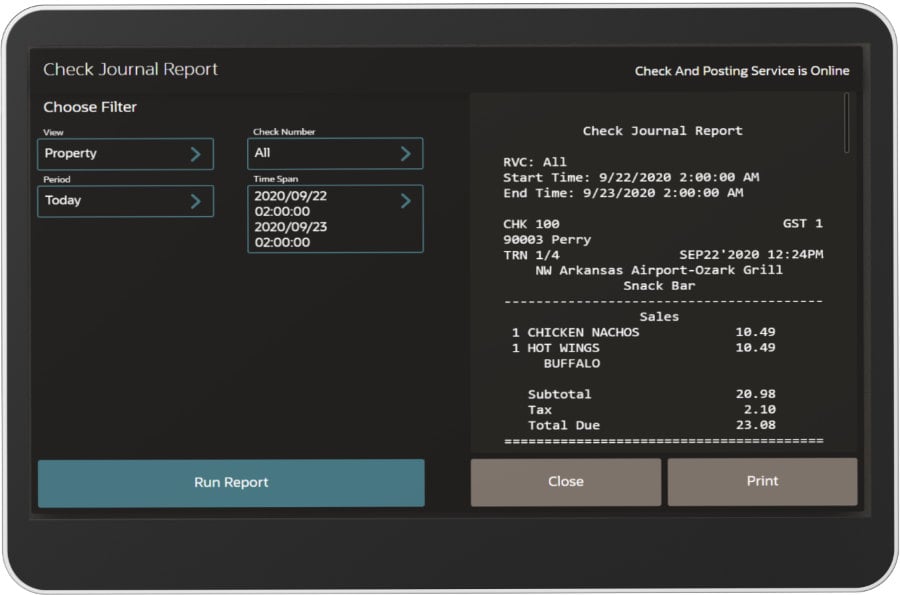
The Check Journal report shows you the entire set of events that took place when ringing up a sale for a particular check.
Particularly useful when searching for fraud committed on the workstation.
Optimize Menu
Accelerate sales with the Family Group & Menu Item
Sales reports
What are your bestselling menu categories and sale items?
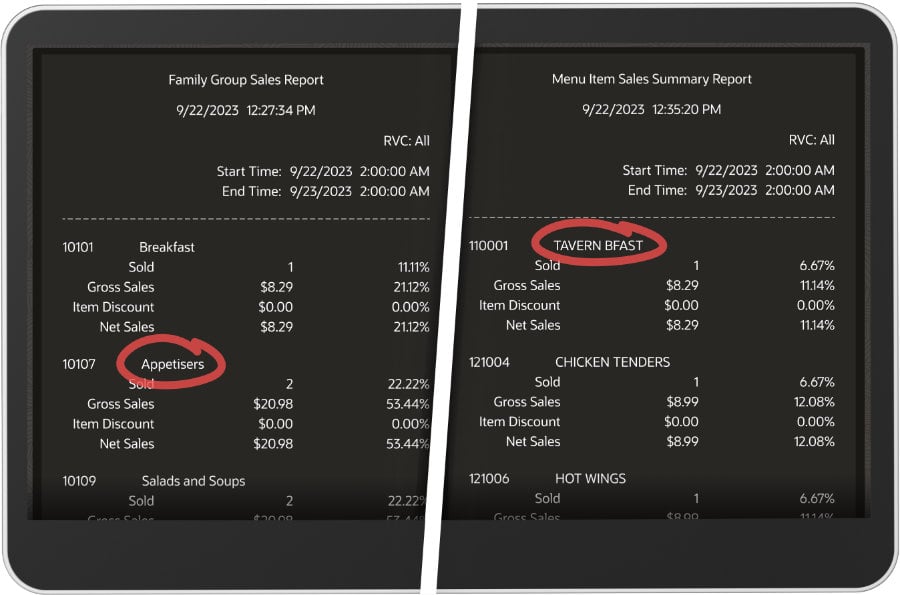
Quickly identify your most popular categories and items within a given timeframe. These reporting tools help you optimize your menu for improved sales.
Begin by taking a look at your Family Group Sales report (i.e., Appetizers, Beer, etc.), then break it down by Menu Item, to discover what generates your biggest sales.
Selling Online?
Complement your In-store Analytics for
Restaurants with Online Ordering Analytics
Run your online-ordering sales more effectively. Redirect your efforts to the areas that need improvement. Make decisions on the fly.
Spot all the details you need to make powerful business decisions in terms of:
- Online orders
- Revenue
- Net sales
- Average order value
- Your website’s performance and more.
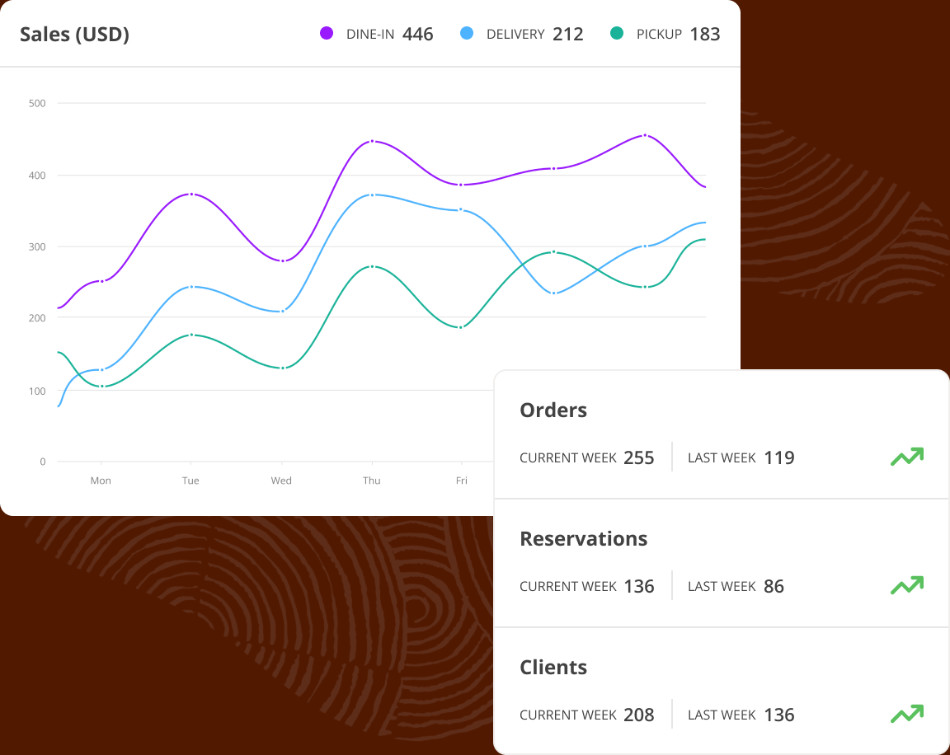
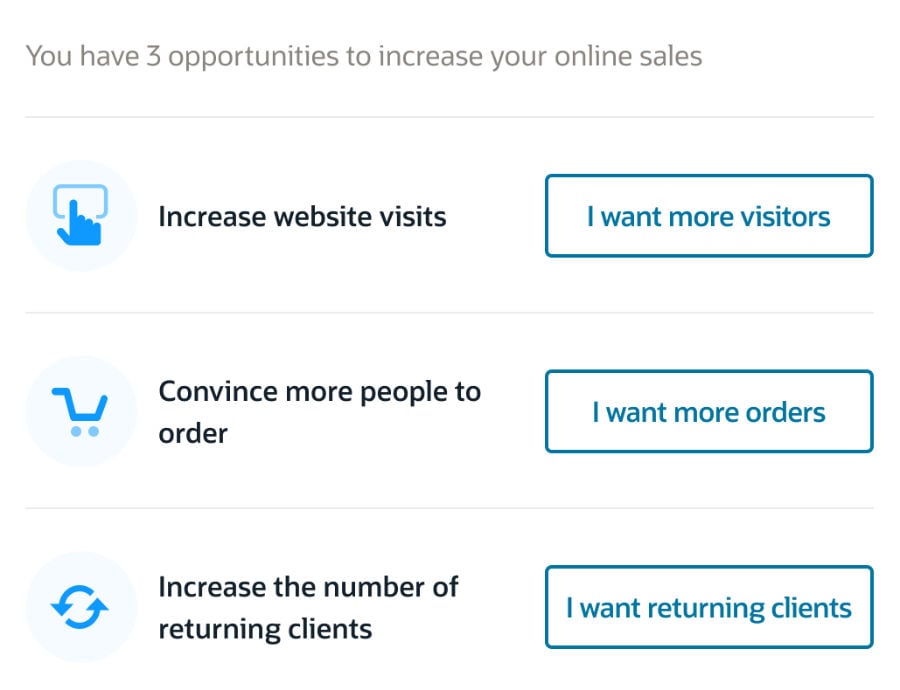
Quickly take advantage of personalized recommendations on how you can:
- Increase website visits
- Persuade more food clients to order online
- Create loyalty promotions for repeat business